General
Step 1
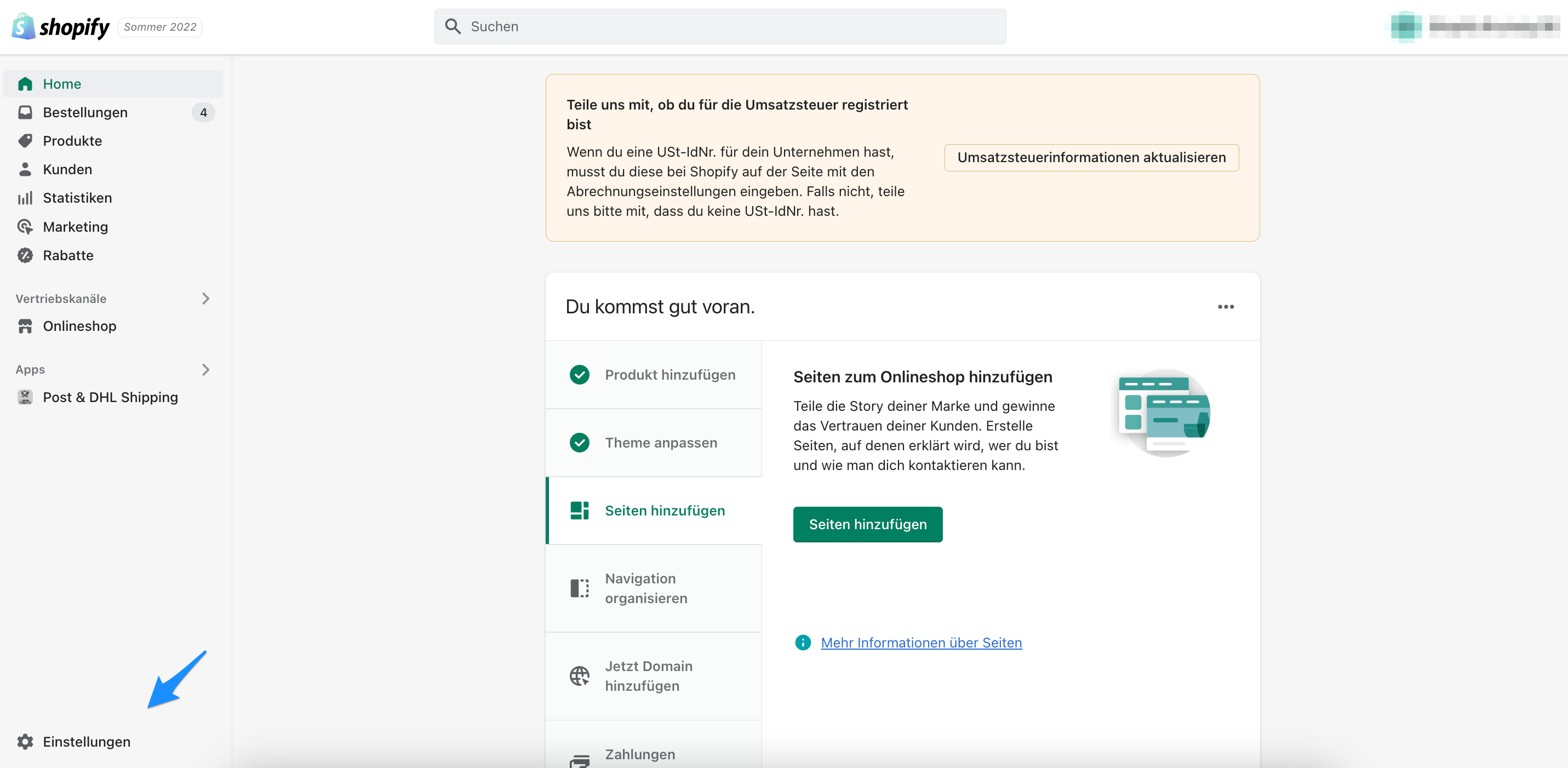
Open Shopify, then go to Settings.
Step 2
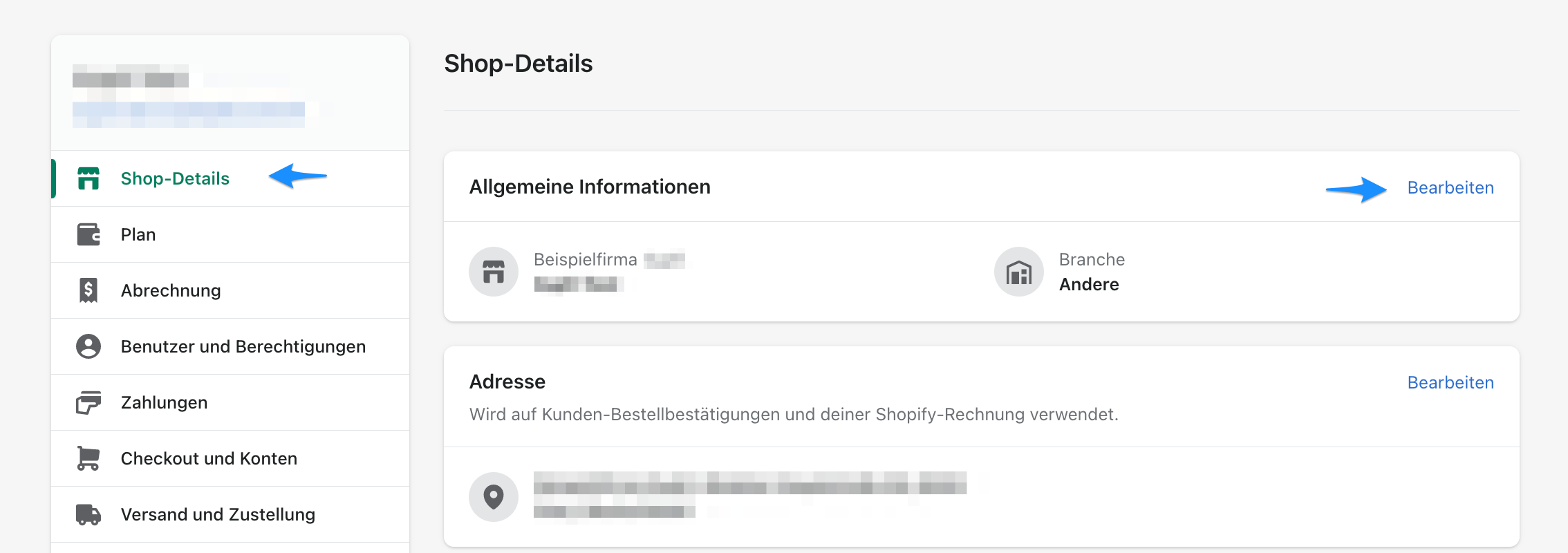
Select Store details.
Step 3
The general settings are displayed. Select Edit and complete the Legal name of company field.
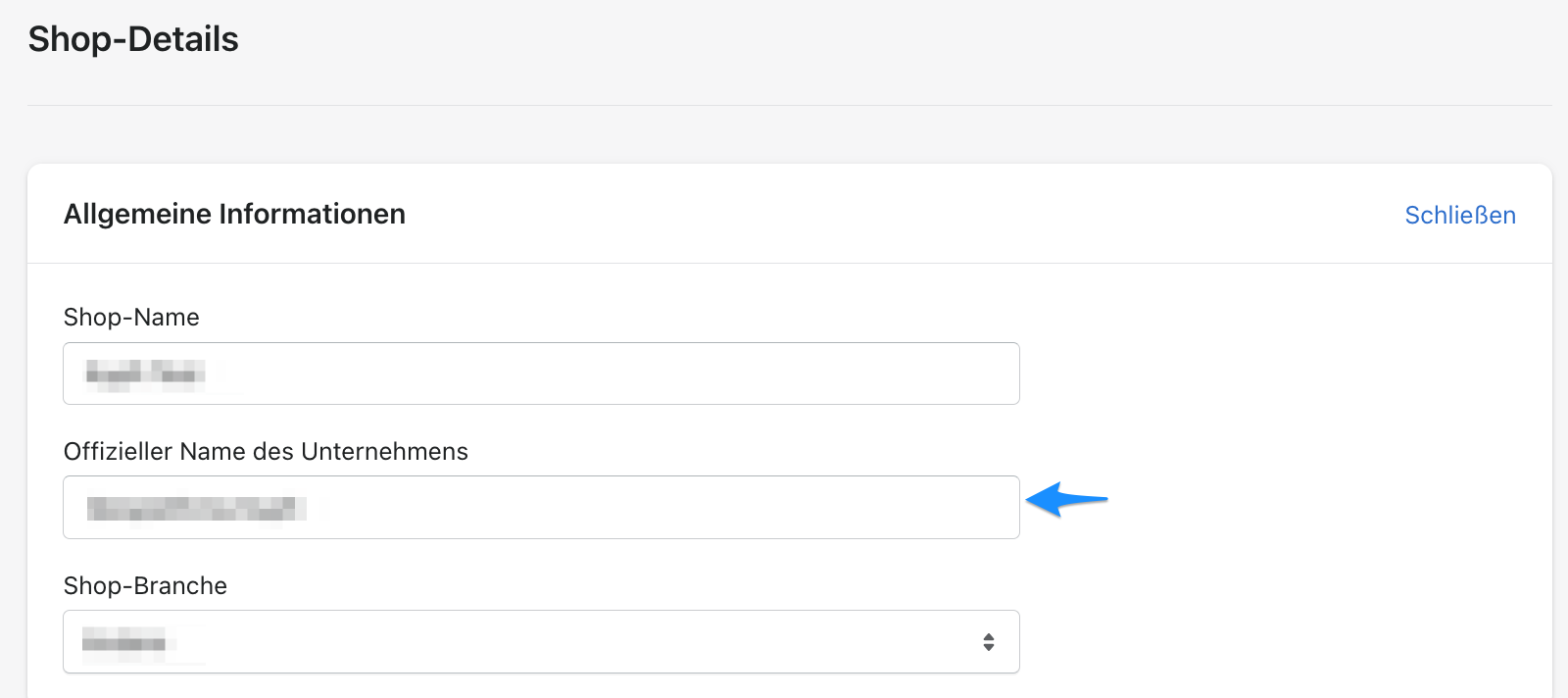
The app uses this information in its general settings. The company name becomes part of the sender address and is printed on every label.
You cannot create labels with the Post & DHL Shipping app unless this field is completed.
Locations
Step 1
Open Shopify, then go to Settings.
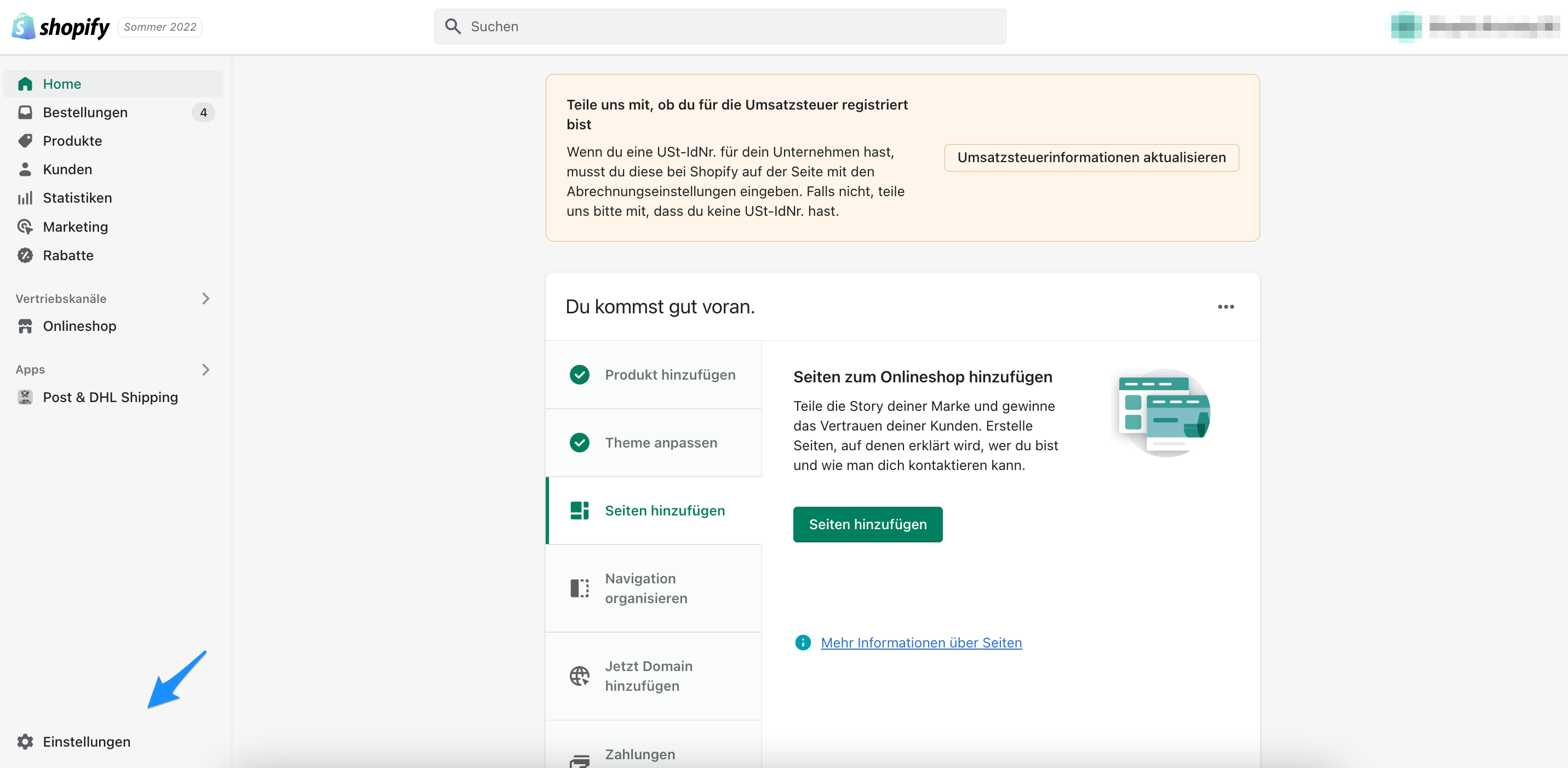
Step 2
Select Locations.
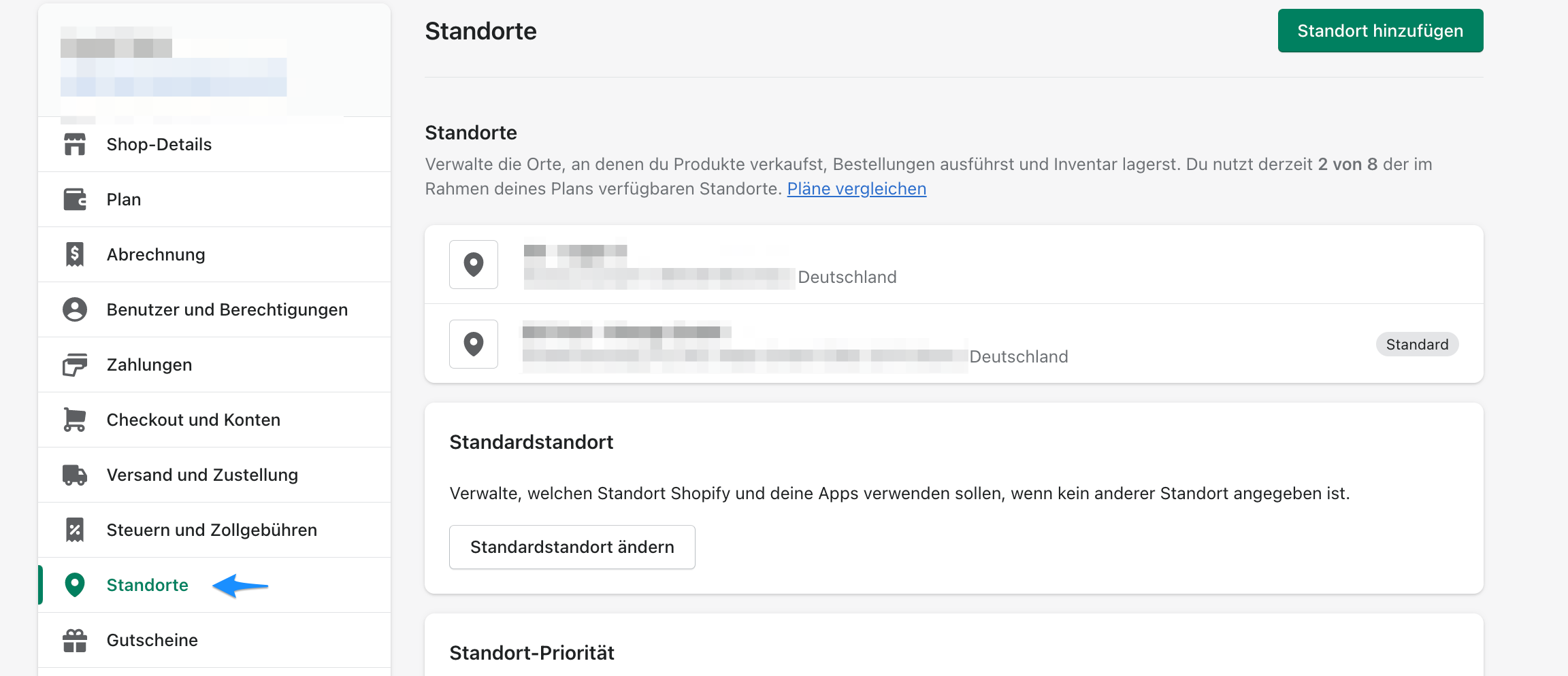
Step 3
Add your location. The app uses the details entered here.
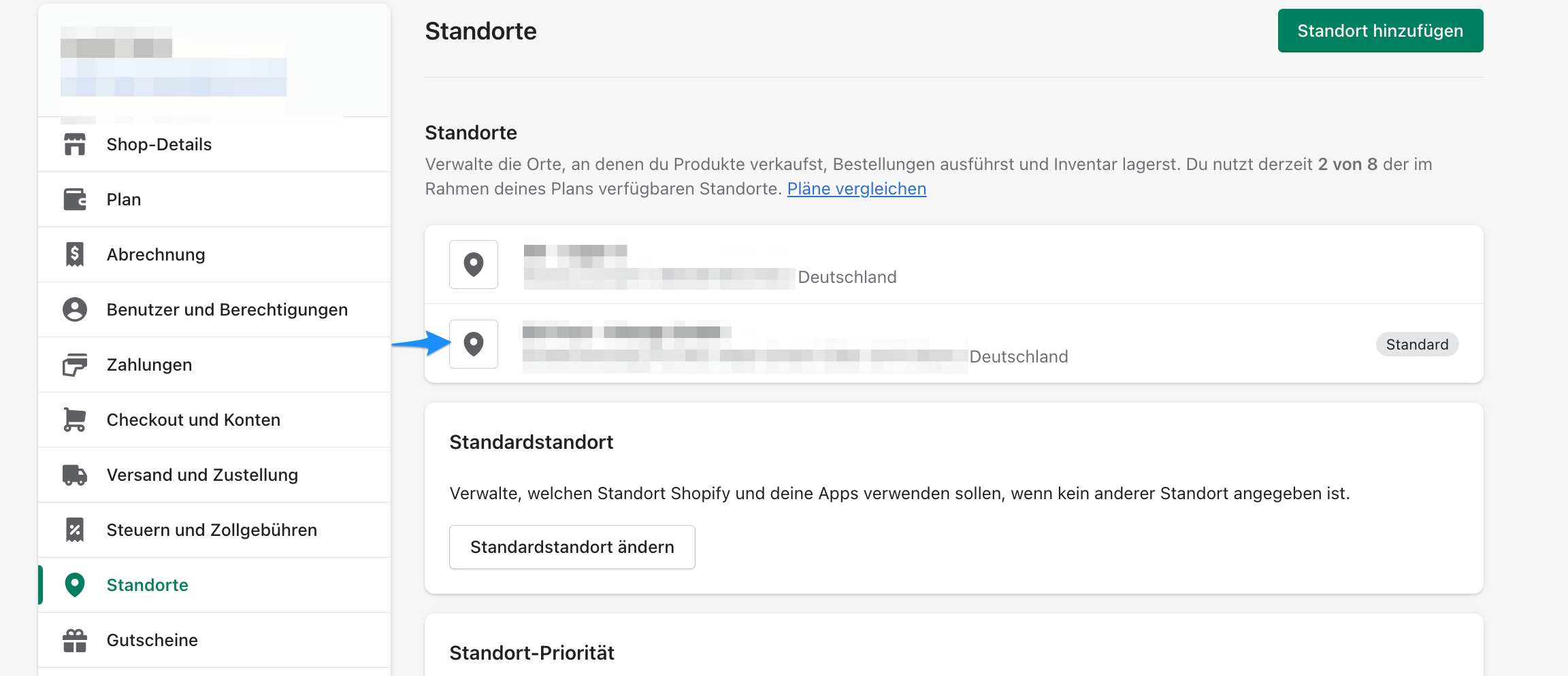
This information is required when overriding the return address and whenever a label is created.
Shipping confirmation
After a label has been created, its tracking number is automatically added to the Shopify fulfilment and sent to the customer. Follow these steps to open the relevant settings.
Step 1
Open Shopify, then go to Settings.
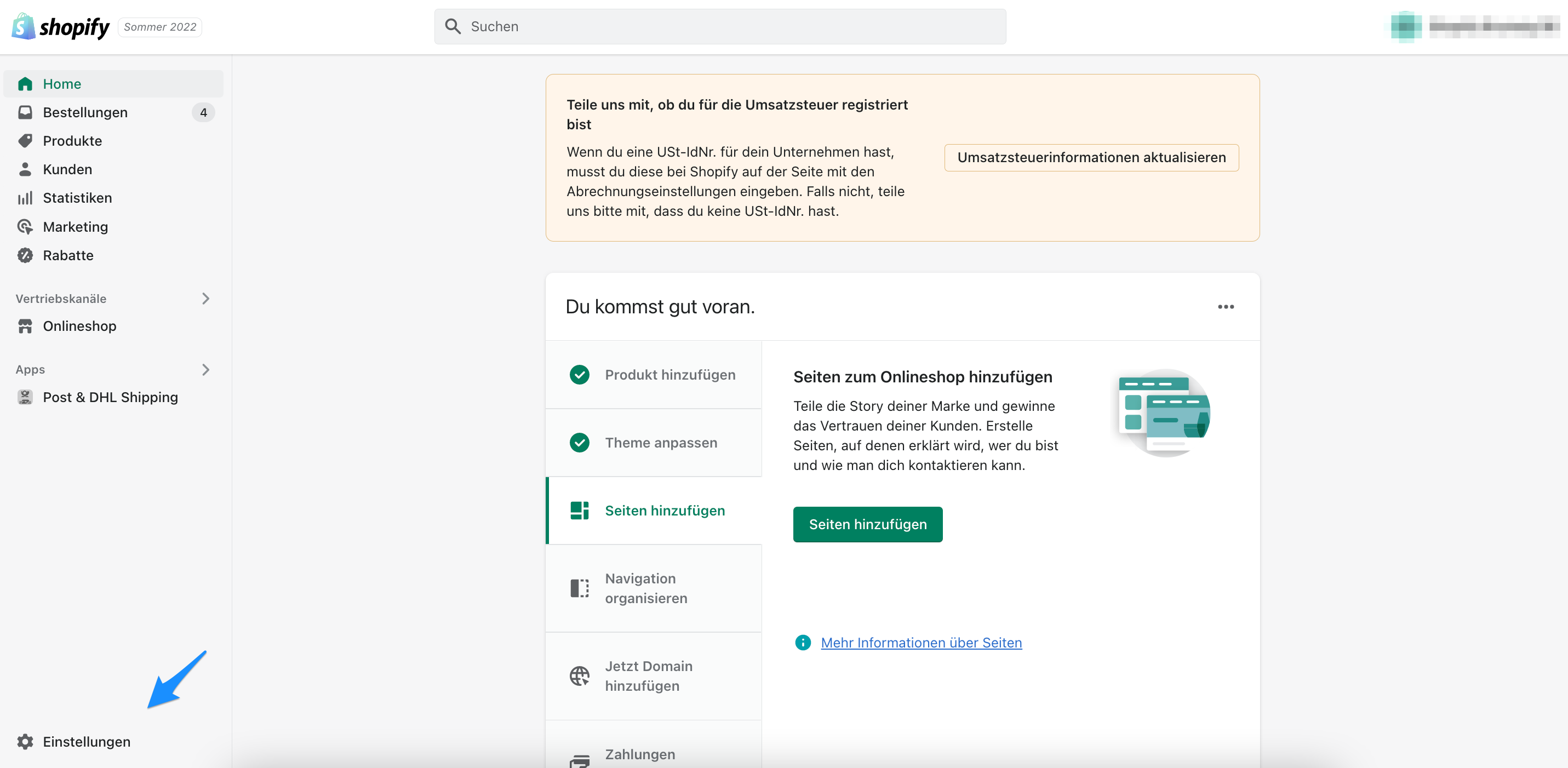
Step 2
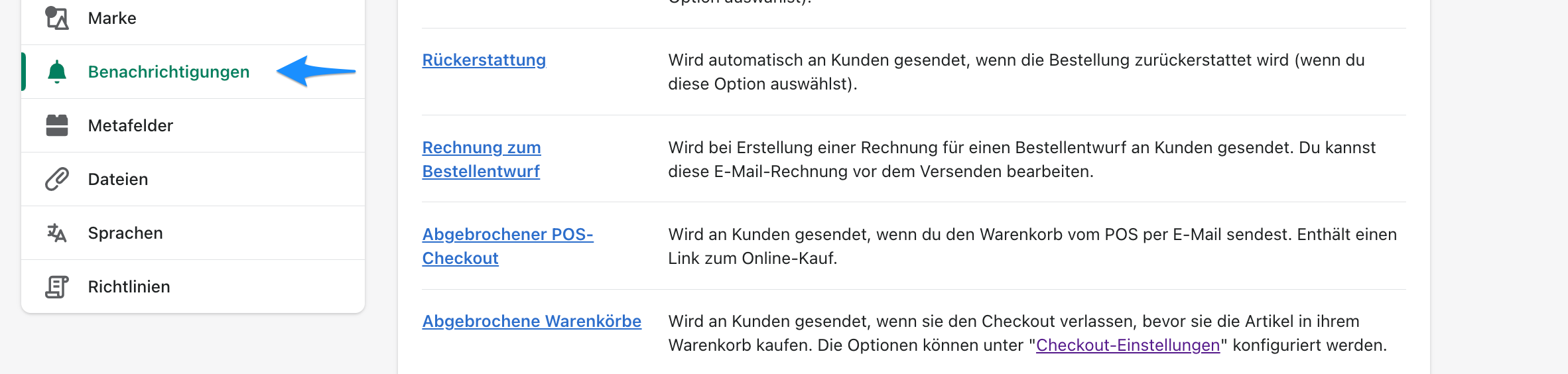
Select Notifications.
Step 3
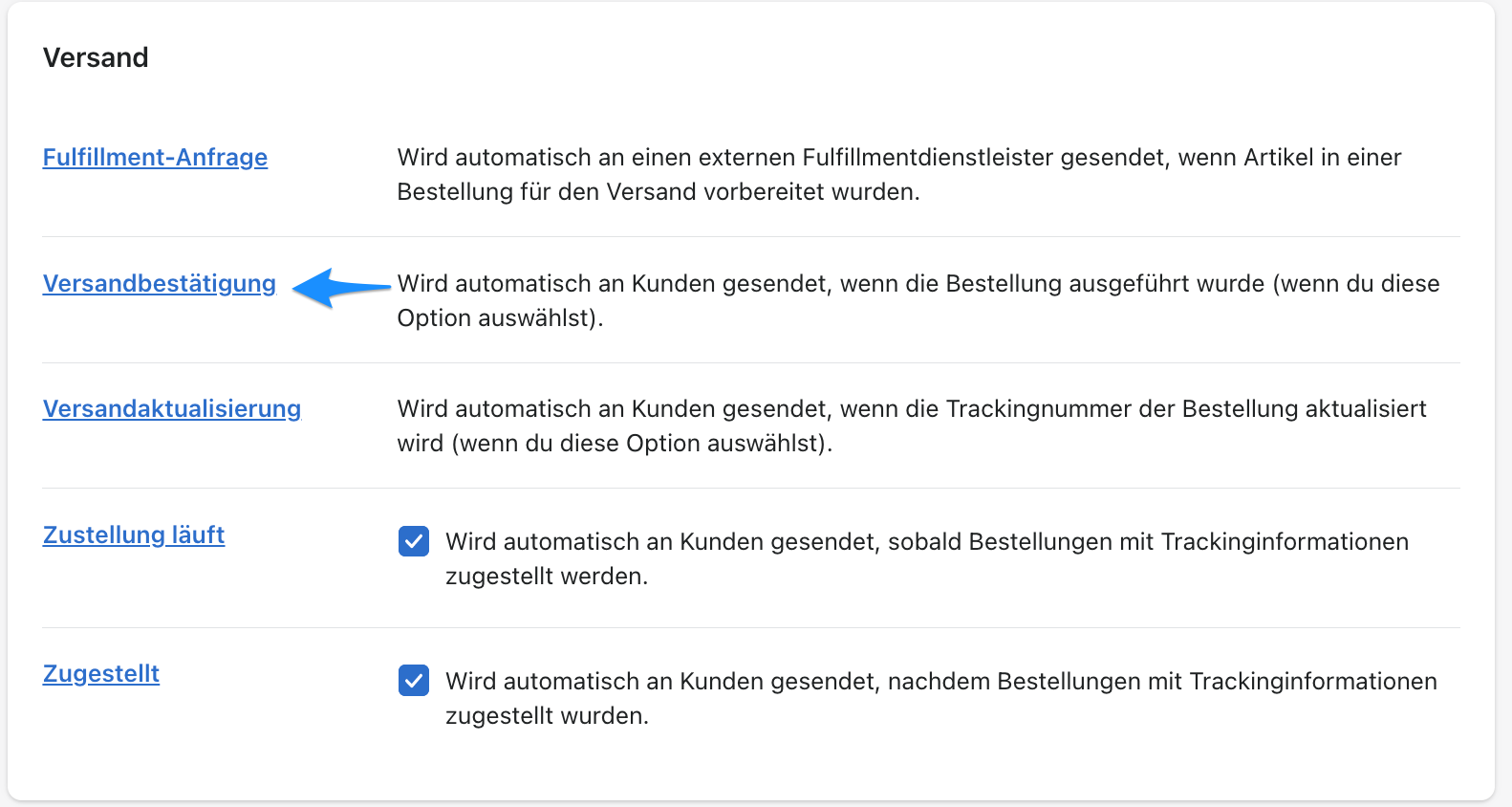
Shipping confirmation shows the email sent to the customer.